










 July 26, 2025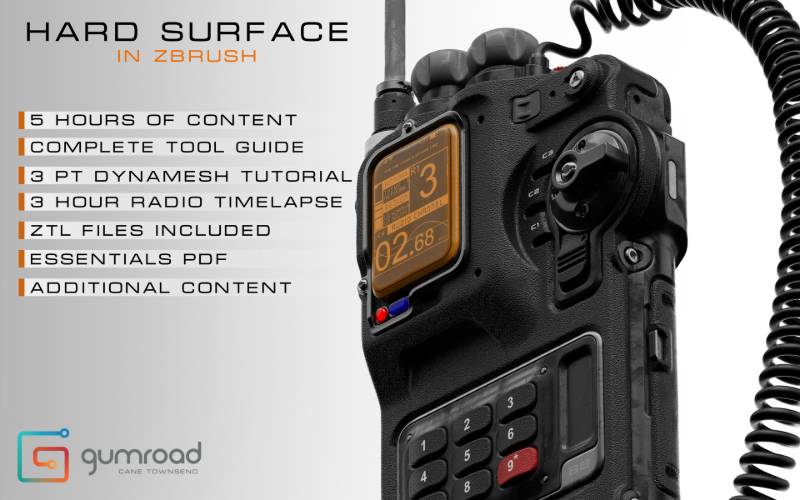
Gumroad – Hard Surface in ZBrush Free Download
💡 Overview: Hard Surface In ZBrush – Part 1 & 2
AD
Created by Martin Punchev (CGzen), this is a free YouTube‑hosted tutorial series focusing on hard‑surface sculpting in ZBrush without using ZModeler. You can watch both parts for free; paying $3+ unlocks extra assets like high‑quality alphas and the final .ztl model
-
Price: Free to watch; $3+ for downloadable assets
-
Language: Bulgarian voice‑over, English subtitles included
-
Format: Two edited video lessons (~1 hour in total)
-
Bonus files: Final sci‑fi gun model (.ztl) and 4 custom alphas
🧰 Part 1: Fundamentals & Silhouette Design
In Part 1, you’ll learn essential tools to start sculpting hard surfaces:
-
Using ShadowBox to quickly block in clean silhouettes
-
Slice Brush and Polish By Groups to create sharp, mechanical edges
-
Transpose Line for surface deformation and composition
-
Workflows with Dynamesh and without SubD modeling knowledge
🔧 Part 2: Sci‑Fi Gun Project & Design Tricks
Part 2 builds on the basics and walks you through a full sci‑fi gun sculpt workflow:
-
Designing by happy accidents using 3D Layers for variation
-
Generating custom inner alphas using Photoshop’s Kaleidoscope filter
-
Using Morph Targets and Morph Brush for subtle transitions
-
Combining all tools to finalize a polished sci‑fi weapon
📁 Bonus Content Included (Paid Version)
-
Final .ztl gun model used in the tutorial
-
Four high-resolution custom sci-fi alpha stencils derived from photos
-
Downloadable 720p videos for offline learning
🎓 Who It’s For
-
Beginners or hobbyists focused on hard surface in ZBrush
-
Users who want a non-ZModeler approach using sculpt tools only
-
Learners who prefer concise, practical tutorials without fast-forward edits
-
Anyone wanting core techniques like layering, mask-based variation, and stylized detailing
📈 Why It Stands Out
-
Minimal learning curve: No need for complex topology or subD modeling
-
Workflow clarity: Real‑time sculpting, clear voice-over and overlays
-
Creative techniques: Learn to generate your own alphas and design variations
-
Low price entry: Free content with optional affordable extras
⚙️ Related Tutorials by Martin Punchev
-
ZBrush Hard Surface №1 – Intro to ZModeler (~58 min, $5): Covers basic ZModeler best practices, edge actions, creasing, and actions/targets workflow
-
ZBrush Hard Surface №2 – Mastering Insert Brushes (~1 hour, $5): Focuses on creating and using Insert/Curve/Nanomeshed brushes and TriPart brushes for detailing
✅ Summary Table
| Tutorial | Duration | Price | Focus Area |
|---|---|---|---|
| Hard Surface In ZBrush (Parts 1 & 2) | ~1 hr total | Free–$3+ | Core sculpting techniques—ShadowBox, Dynamesh, alphas |
| ZModeler Intro (Part №1) | ~58 min | $5 | ZBrush ZModeler basics — actions, edge tools |
| Insert Brushes Masterclass (№2) | ~60 min | $5 | Insert/Curve brush workflows, nanomesh, instancing |
📝 Final Thoughts
For sculpt artists looking to learn clean, practical hard surface techniques in ZBrush without relying on ZModeler, Martin Punchev’s “Hard Surface In ZBrush – Part 1 & 2” is ideal. It teaches you how to create crisp shapes, design variations, and use custom alphas—while keeping learning lightweight and focused. Plus, the paid extras enhance learning with downloadable models and assets.
Gumroad – Hard Surface in ZBrush Free Download
https://zeroupload.com/5069f0cb47ab128bb7caf1116f117001
https://pixeldrain.com/u/H4sYnDEi
Those who sell pirated content are losers.
If you’re paying for pirated content, you’re the biggest loser.
Please read the faq/” style=”color: #0077cc; text-decoration: none; font-weight: 600;”>faq if you need basic help.
Use VPN &
FDM if you have download problems.
AD








 Prev Post
What do you think?
Show comments / Leave a comment